PDF Scanner

For iPhone and iPad

Edit, scan and sign PDFs.Right on your iPhone.

Tap a line and type. Scan paper, sign, fill in forms and convert — without leaving your phone.

Coming soon to the App Store
  • No ads
  • No account
  • Files stay on your device

What it does

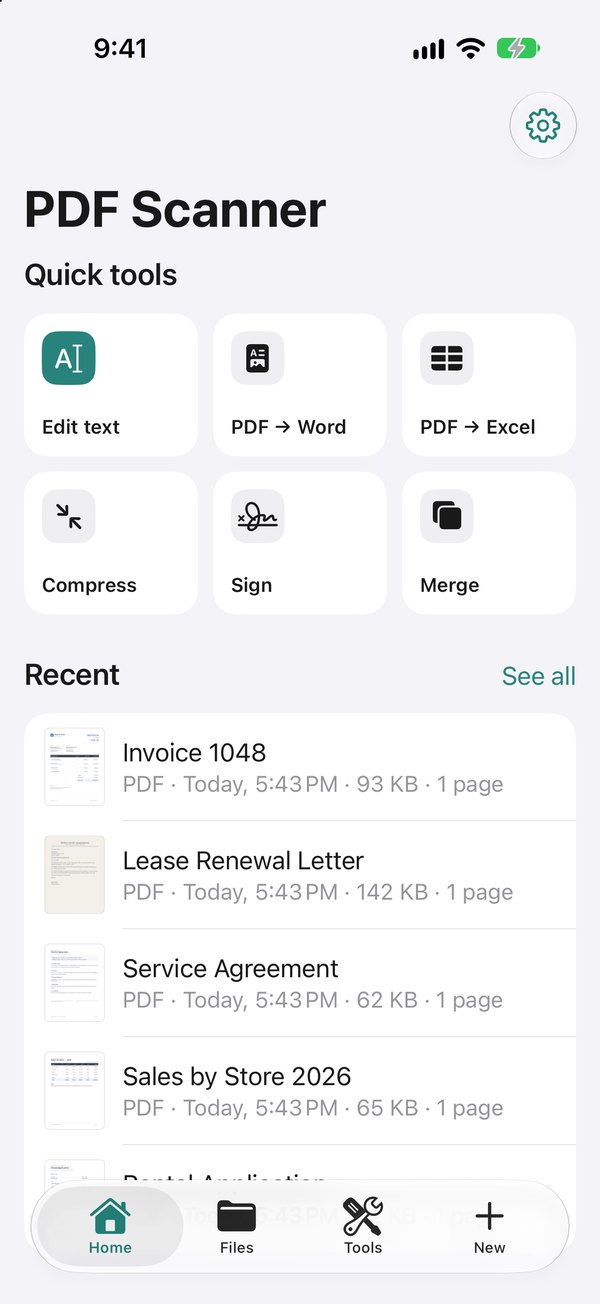
One app for everything a PDF needs

Every picture below is a real screen of the app, with made-up documents.

Edit text right in the PDFPRO

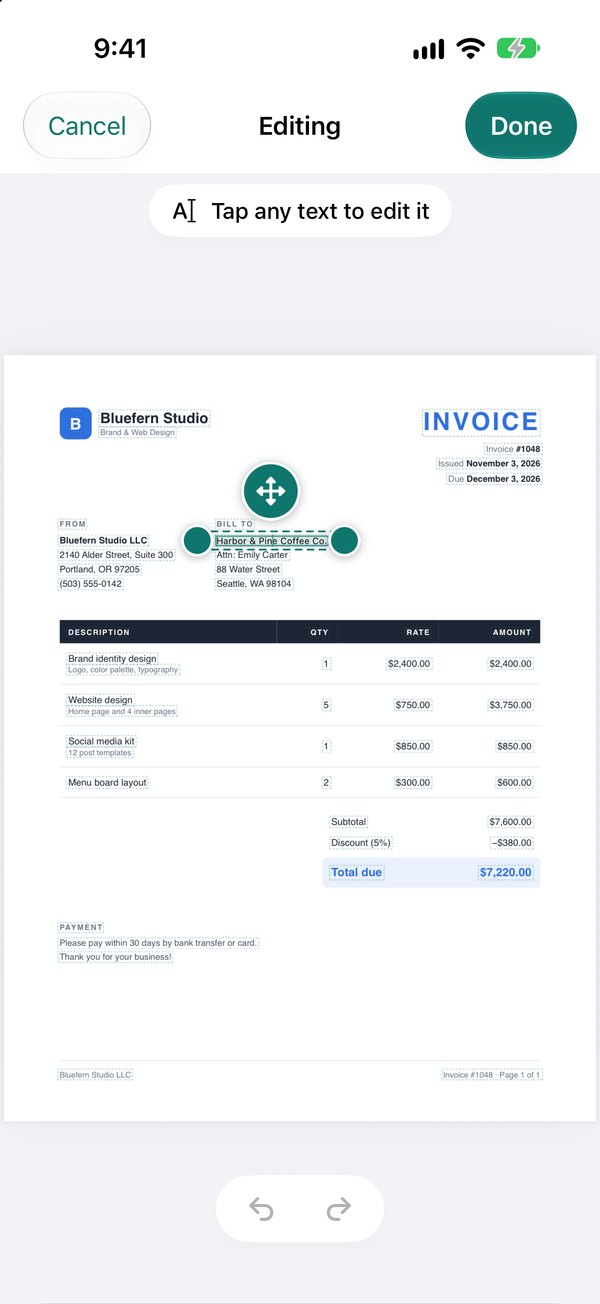
Tap a line and type. The app matches the document’s font, size and colour as closely as it can.
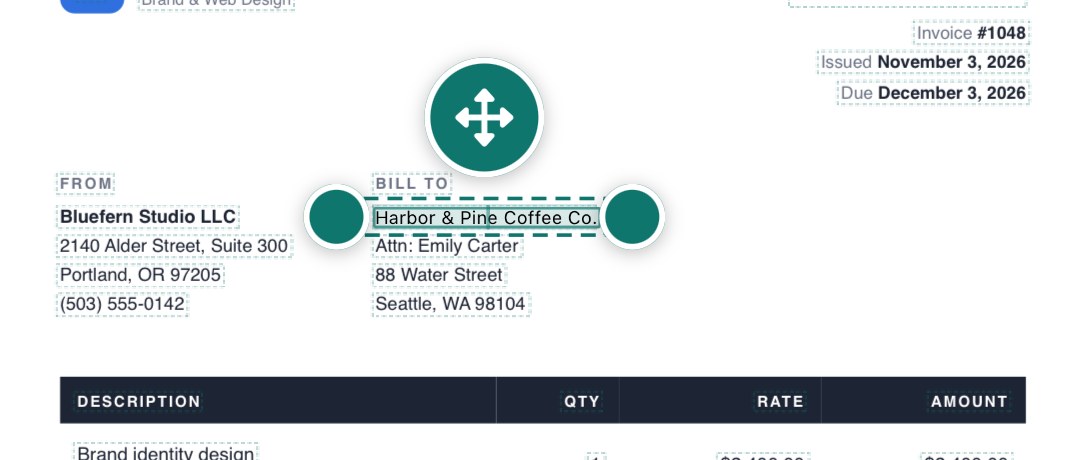
A line of an invoice selected for editing

Fix a typo, even in a scanPRO

Scanned pages are editable too: new words are drawn to match the paper.
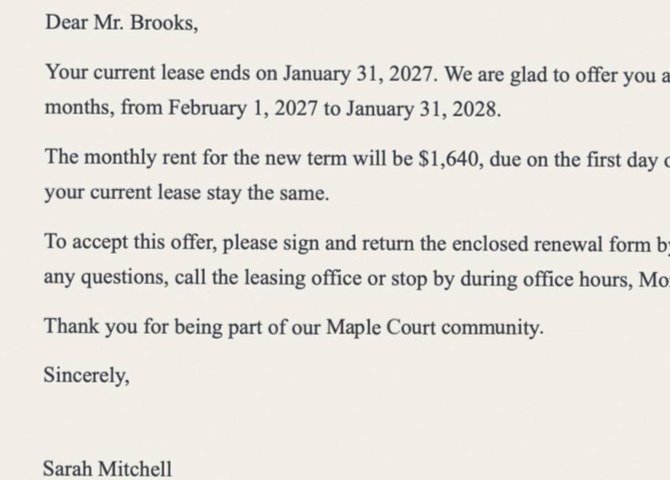
A corrected line in a scanned letter

Scan paper to clean PDFs

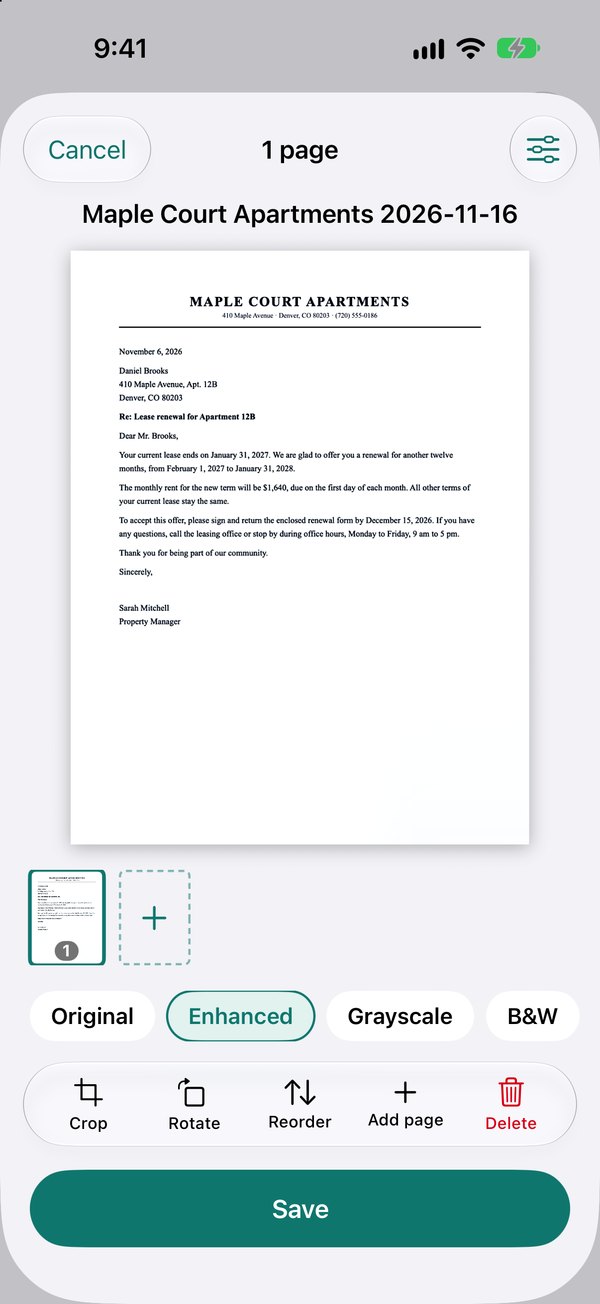
Shadows and yellow tint are removed, and the text of every scan becomes searchable.
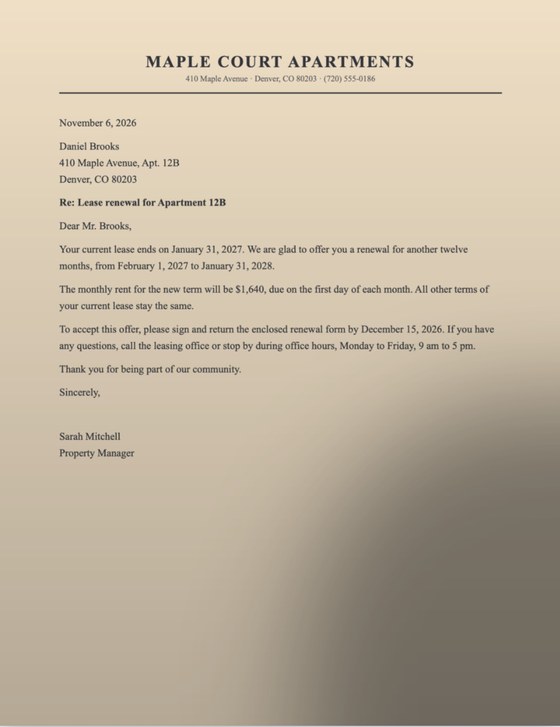
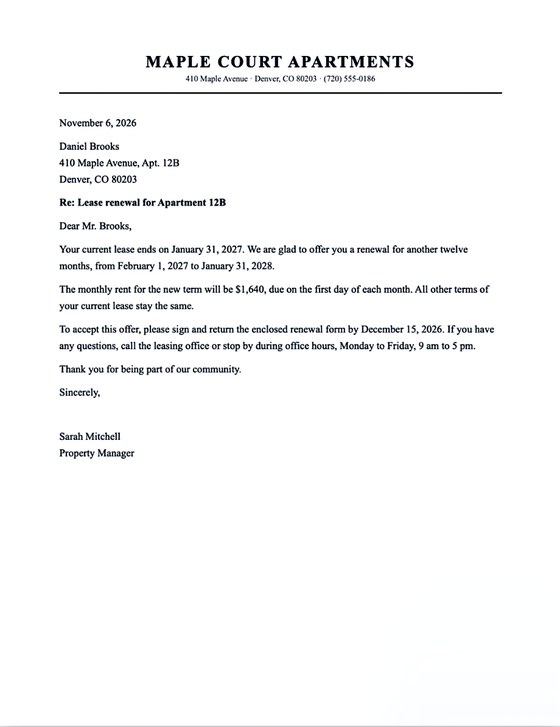
A photo of a letter with a shadow
Before
The same letter after the Enhanced filter
After

Sign and send in a minute

Draw your signature once and place it anywhere. Initials, dates and stamps are one tap away.
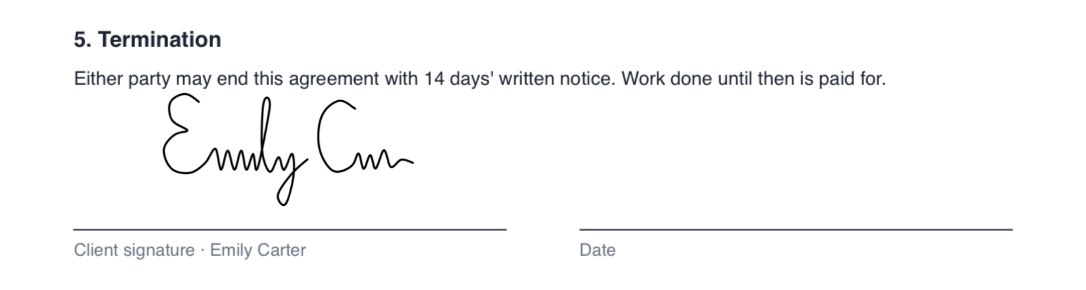
A signature on the signature line of an agreement

Fill in forms without printing

Type into the fields, tick the boxes, then sign.
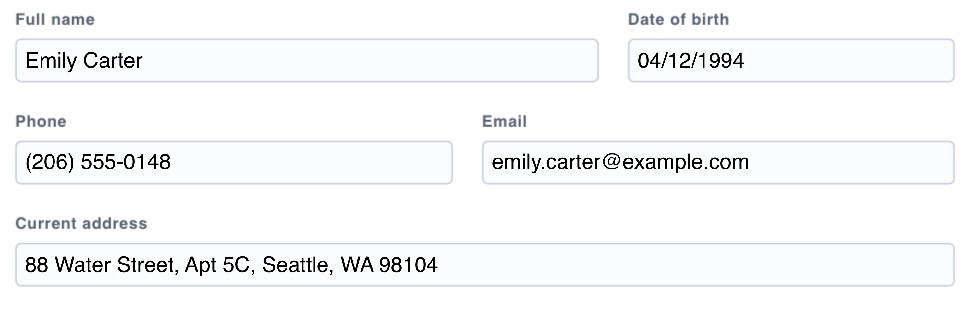
A rental application with filled-in fields

Hide private details for goodPRO

Text under the black marker is removed from the file, not just covered. Check the result before you share it.

An invoice with the client's name and address blacked out

PDF to Word and Excel, and backPRO

Tables and paragraphs come out as editable Word and Excel files. The conversion runs on your device.

Private by design

Your documents are never sent to us

Scanning, text recognition, editing and conversion all run on your iPhone or iPad. We have no servers that receive your files.

Works on your deviceNothing is uploaded, so scanning and editing work with no connection.
No ads, no trackingNo advertising, no analytics that follow you, no data sold.
No accountOpen the app and start. Your files are in the Files app, under PDF Scanner.

iPhone and iPad

Room to work on the big screen

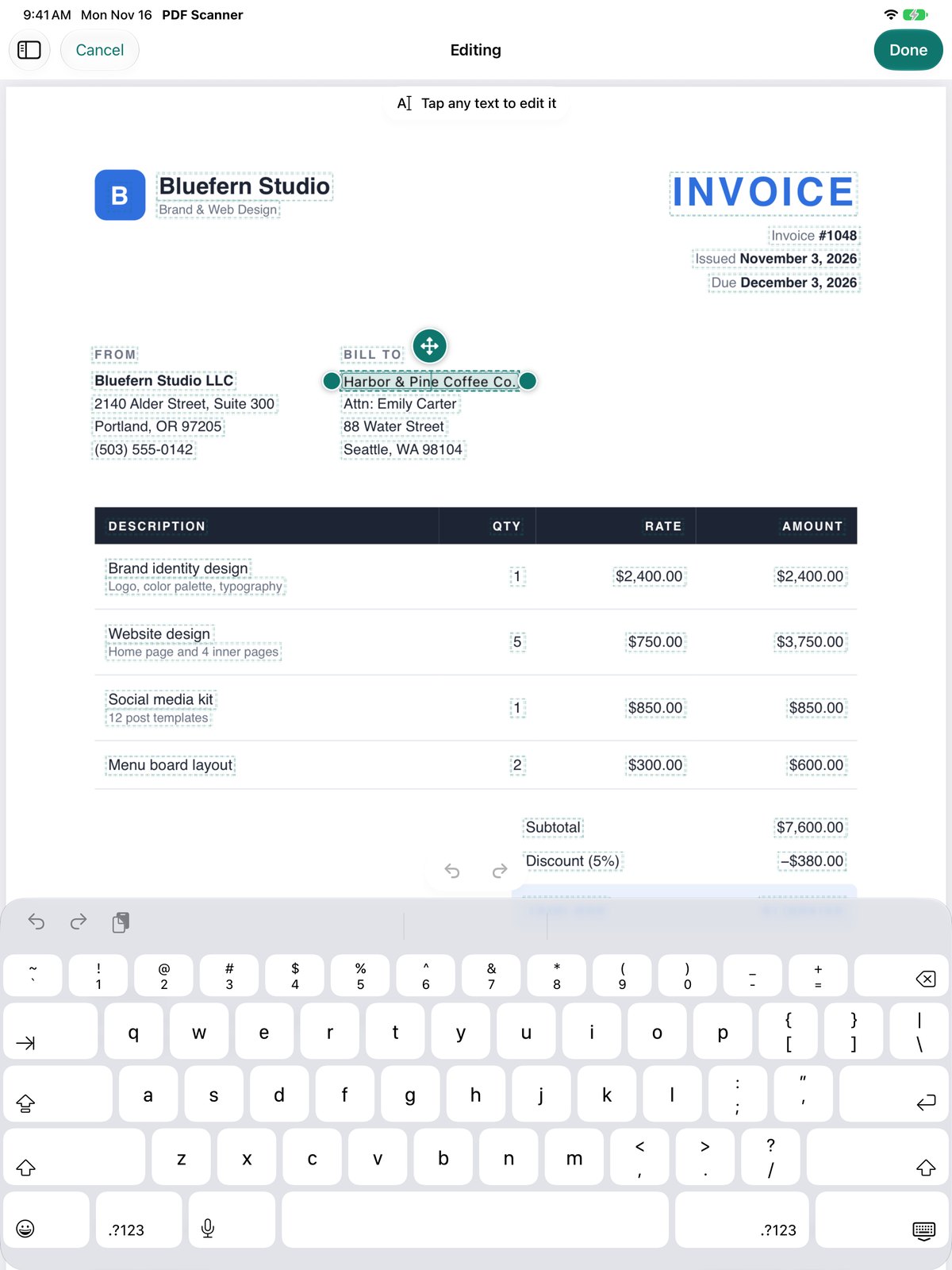
The same tools on iPad, with a page list on the side, several windows, drag and drop and keyboard shortcuts.
  • Apple PencilDraw, highlight and sign by hand.
  • Search inside every documentScans included: their text is recognized when you save them.
  • Nothing to set upNo sign-in, no cloud to connect.
Editing a line of an invoice on iPad

All tools

Free to start, Pro when you need it

Scanning, signing, forms, notes and page tools are free, with no watermarks. Tools marked Pro need a subscription.

Edit

  • Edit textPRO
  • Sign
  • Fill forms
  • Annotate

Convert

  • PDF → WordPRO
  • PDF → ExcelPRO
  • Word, Excel → PDFPRO
  • PDF → JPG
  • Photos → PDF
  • PDF → Text

Organize

  • Merge
  • Split
  • Reorder, rotate, delete pages

Optimize

  • CompressPRO
  • Make searchablePRO
  • Recognize text

Security

  • Add passwordPRO
  • Remove passwordPRO
  • Black markerPRO
  • WatermarkPRO
  • Page numbersPRO

Plans and prices are shown in the app before you buy. See the Terms of Use.
Paperwork, done on your phone

PDF Scanner for iPhone and iPad.

Coming soon to the App Store